Requesting documents from clients is one of those tasks that always seems to take longer than it should. According to McKinsey, the average interaction worker (i.e. anyone who works with other people) spends an estimated 28% of their time managing email and nearly 20% looking for internal information or tracking down colleagues who can help with specific tasks.
That’s why more firms are looking for tools that keep the process organized and automate the follow up. In this post, we’ll show you the best software to request documents and files from clients along with a few honorable mentions.
Content Snare: Best document and file requesting tool for client-facing firms
- Free trial: 14 days
- User reviews: Capterra 4.8, G2 4.7, Xero App Store 4.9
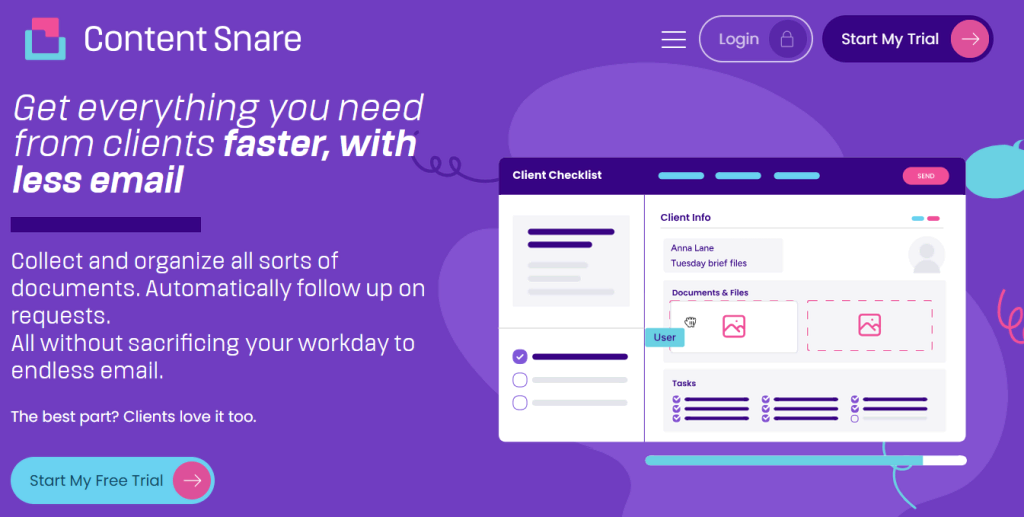
Content Snare has been around since 2016 and it has quickly become the go-to platform for businesses that collect a high volume of documents from clients. This software was built specifically for accountants, bookkeepers, lawyers, financial pros, agencies, and other client-facing teams who are constantly chasing down information. Client stories like the one from Liston Newton Advisory say it best:
“Content Snare has increased our efficiency by 50%, but we’re still continuously improving it. Data accuracy and completeness improved massively, I would say 70%.”
Security is another area where Content Snare stands in a league of its own: the platform is ISO 27001 certified and follows strict data protection standards that make compliance straightforward. Here are some of the main reasons why Content Snare stands out:
- Generous file size limits (up to 16GB), so big files don’t cause bottlenecks (competitors often cap at <1GB)
- Full client portal that enables you to quickly receive files and send documents back to clients.
- Automated reminders help you save time and focus on the actual work
- Auto-saving ensures that your clients never lose progress, even if they forget to click anything.
- Superior instructions backed by attached files, links, images, or even embedded videos right inside the document request.
- A library of editable templates helps you reuse the best requests across clients and optimize your process.
Content Snare brings everything together in a way that feels natural for busy client-facing teams. It removes the mental load of gathering files and gives you a repeatable workflow that scales as your business grows.
If you’re ready to simplify document collection and get hours back each week, this is the perfect time to sign up for a free Content Snare trial and see the difference for yourself.
Requesting docs and files from clients: other options worth considering
Content Snare is the best overall option for most firms, but it’s not the only tool out there. When we put together this list of the best software to request documents and files from clients, we also looked at platforms that shine in very specific niches, and it’s worth highlighting those strengths so you can see what else is on the market. Below are a few options that bring something useful to the table depending on your industry or workflow.
FileRequest Pro: Best for direct uploads into Google Drive or OneDrive
- Free trial: 15 days
- User reviews: Capterra N/A, G2 4
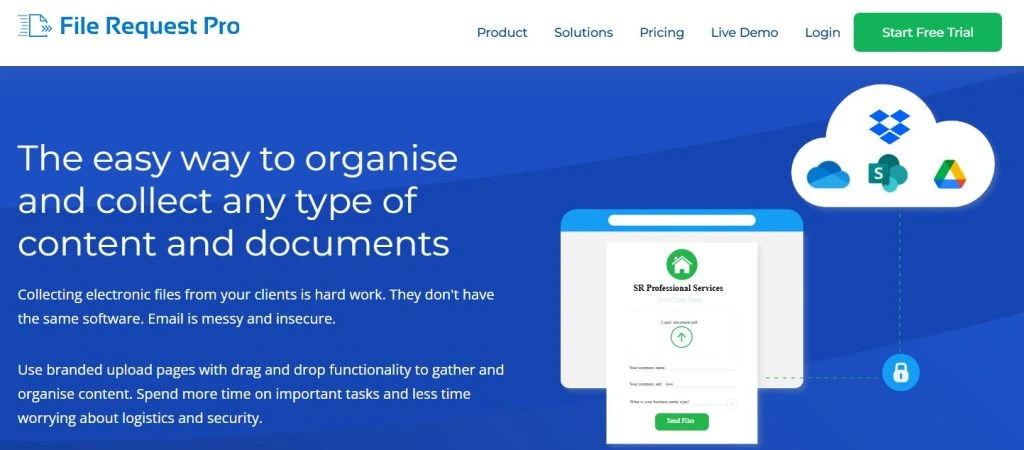
FileRequest Pro is the kind of tool you turn to when you want your cloud storage to grow up a little. It creates branded upload pages that drop client files straight into your existing Google Drive, OneDrive, or Dropbox folders. It avoids complicated navigation and provides a guided way for clients to hand over what you need.
What makes it stand out is how little setup it requires. If your team already lives inside cloud storage and doesn’t want to rethink how they organize files, FileRequest Pro keeps everything in that world. It’s straightforward and all about smoothing over the “just send me the files” moment without adding extra bells and whistles.
Our take: Great for simple uploads but lacks automated reminders, templates, and structured workflows, making it less suited for firms managing ongoing client relationships.
Encyro: Best for encrypted file exchange in accounting and finance

- Free trial: 14 days
- User reviews: Capterra 5, G2 4.7
Encyro leans hard into security, and that’s what makes it a go-to for compliance-focused professionals. It’s built like a secure email replacement: clients can send documents through encrypted messages without needing to remember yet another login. Everything is wrapped in automatic protection, so even the least tech-savvy clients feel confident their financial details aren’t floating around unprotected.
Related: How secure is email? Hint: not secure enough
Encyro is also packed with compliance-friendly features like long-term storage and audit trails, things that are essential in tax season but totally overkill for many other industries. In a nutshell, Encyro gives you a safe place to collect sensitive files even via email.
Our take: Excellent for secure email-style exchanges, but it doesn’t provide structured document checklists or automated progress tracking – Content Snare is your solution for this.
SoftDocs: Best for document workflows in schools and universities

- Free trial: Not available
- User reviews: Capterra N/A, G2 4.7
SoftDocs is built squarely for the education world, so it speaks the language of registrars, admissions offices, and administrative teams. It strongly focuses on things like student record workflows and secure e-forms for everything from financial aid paperwork to HR requests. That way, schools get a centralized hub that cuts down on paper trails and replaces clunky internal processes.
Where SoftDocs shines most is behind the scenes, as it integrates with major student information systems and helps keep compliance boxes checked. This isn’t your everyday file upload tool, but it’s very much a “solve college-level document problems” platform.
Our take: Ideal for large educational institutions but far too complex (and expensive) for most client-facing businesses.
Pipefile: Best for login-free client uploads and document scanning
- Free trial: 14 days
- User reviews: Capterra 4.8, G2 4.5
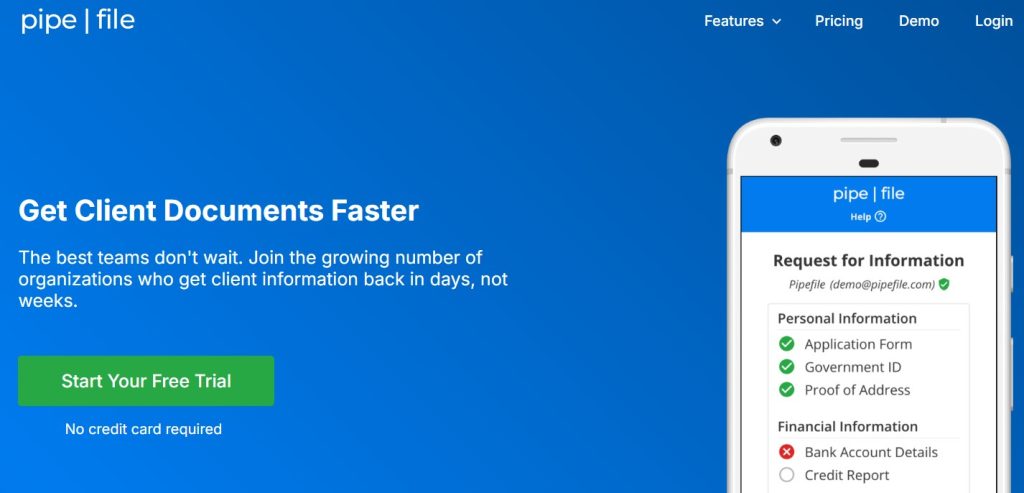
Pipefile keeps things refreshingly light. Its main selling point is speed because you get to send a branded link and clients upload their documents without creating accounts or navigating a dashboard. For busy freelancers and small firms, removing logins can be a game-changer.
Pipefile also stands out for its built-in document scanning, which is a lifesaver when clients only have paper copies or messy photos of what you need. The platform guides clients to snap readable scans right from their phone, and it automatically straightens and formats the document. It’s a small touch, but one that saves a surprising amount of time.
Our take: Super fast for small uploads, but no full client portal, templates, or detailed checklists.
Collect: Best for automated file requests with cloud sync
- Free trial: 7 days
- User reviews: Capterra N/A, G2 4.6
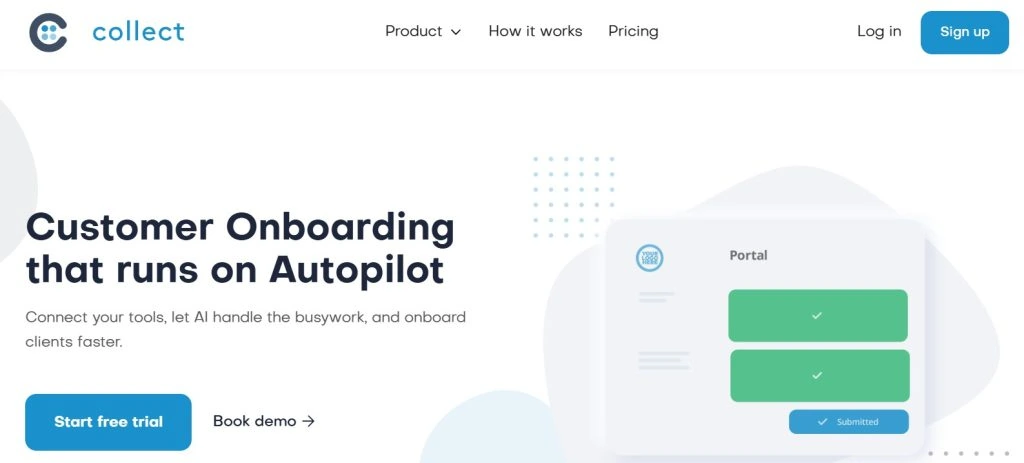
Collect is built for teams who are tired of chasing documents and want a simple way to keep everything moving without constant nudges. You set up a request, specify what you need, and the platform handles the rest – from organizing items to reminding clients when something’s missing.
Collect doesn’t try to reinvent onboarding or forms, it’s simply a smoother way to gather files without babysitting the process. If you want something more structured than email but less involved than enterprise software, this one hits a nice middle ground.
Our take: Collect is a good middle-ground solution but lacks the advanced instruction layers and bulk recurring workflows used by professional firms.
How do I choose the best software to request documents and files from clients?
Picking the right tool really comes down to knowing what your team needs day to day. Every business handles document collection a little differently, so it helps to look at the features that actually move the needle instead of getting lost in flashy extras.
- Ease of use for clients: This is a must because file collection slows down drastically if clients get stuck or confused.
- Automated reminders: This feature alone can save hours each week.
- Templates and reusable forms: Ideal if you request the same documents from many clients throughout the year.
- Security and compliance: Look for advanced security mechanisms and industry certifications like ISO 27001, especially for legal and financial work.
- Integrations: You should find a platform that connects with your existing toolkit.
- Customization and branding: It’s highly recommended to keep everything consistent and on-brand.
Overall, the goal is to pick a platform that reduces back-and-forth and fits naturally into the way your team already works. When you weigh your options against these criteria, it will be easy to find the best software for requesting documents and files from clients.
Request client files and documents with Content Snare
Stop getting lost in emails, attachments and client portals. Content Snare is the best software to request and collect documents and files from clients.
FAQ
What should I look for in software that collects documents from clients?
The most important things to consider are ease of use, security, automation, and clarity. Clients should instantly understand what’s being asked of them, and you should be able to track progress without digging through email threads. Strong security, simple instructions, and automated follow-ups usually make the biggest difference in day-to-day workflows.
How does Content Snare keep everything organized for each client?
Content Snare’s Client Portal acts like a dedicated hub where each client can access every file you’ve shared with them in one place. You can organize these files into Portal Groups, basically categorized folders that make navigation straightforward. It’s also a two-way street: you can send documents back to clients, share resources with all clients at once, and keep all communication tied to the right client without needing separate tools or messy email chains.
How do I make it easier for clients to send the right files the first time?
Clear instructions and well-structured requests make a huge impact. Break down what you need into smaller steps, use examples, and avoid long, open-ended questions. If possible, include a checklist so clients can see their progress.
Can Content Snare handle recurring or bulk document requests?
Absolutely. Content Snare’s recurring and bulk requests feature lets you generate multiple requests automatically from a single template, which is perfect for tasks that come up over and over. With just a few clicks, you can send the same request to dozens of clients at once or schedule it to repeat monthly, quarterly, or on any interval you choose. This is ideal for collecting compliance documents, running monthly check-ins, and all the other tasks that require accuracy and consistency.
